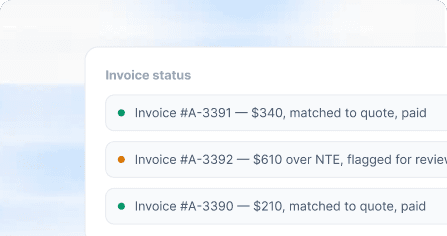
Invoice Matching
Automatically compare invoices against approved quotes, NTE limits, and completed work before they reach Finance.

Invoices match against the original quote automatically, spend rolls up by GL code without manual coding, and vendor compliance stays current without a chase-down email.
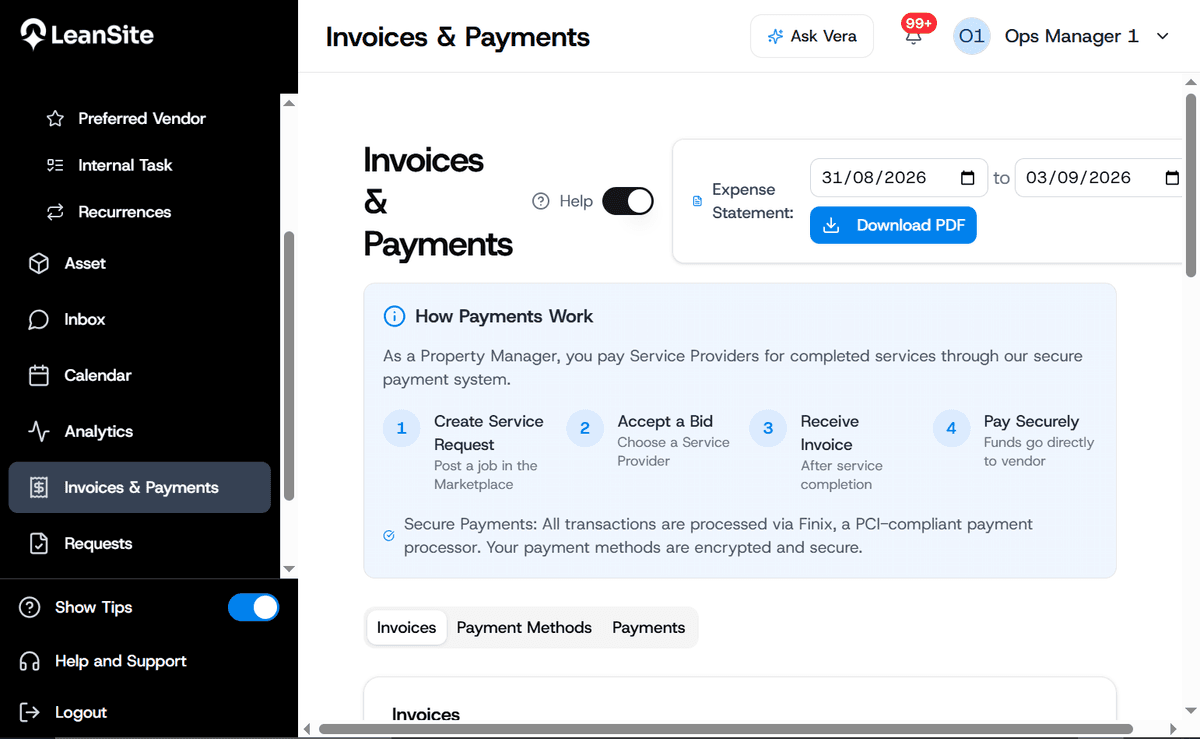
Portfolio summary — this quarter





This is the same flow your AP team would run every day — most of it clears itself, so review time goes to the exceptions that actually need it.
Step 1 of 5
Invoice arrives
The vendor's invoice lands in the AP queue automatically, tied to the original work order and quote.
See what cleared itself and what actually needs a look — before the month-end scramble.
Today's AP queue
70%
Invoices matched and cleared automatically
50%
Faster average AP cycle time
80%
Fewer duplicate or erroneous payments
Built for the close, not just the field
Automatically compare invoices against approved quotes, NTE limits, and completed work before they reach Finance.

Set spending limits before work begins so Finance isn't discovering unauthorized overages after the fact.
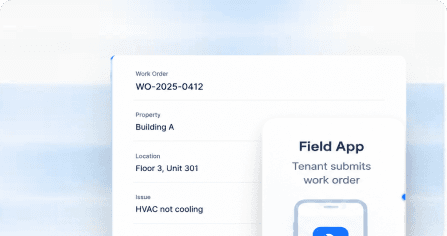
Keep spend categorized consistently by location, trade, vendor, or GL structure without recoding everything manually.

Route exceptions and higher-cost work to the right approver before money is committed.

Keep insurance, licensing, tax documentation, and other required vendor records organized and visible.

See committed, approved, invoiced, and paid spend across locations without stitching together reports.
How finance teams actually use it

See invoices, approvals, coding, and supporting documentation in one place instead of reconciling multiple trackers at month-end.

Flag duplicate or suspicious invoice activity before it moves through approval.

Keep location, trade, vendor, and GL information attached to the work from request through invoice.

See required vendor documentation and expiration status without chasing operations teams or vendors for records.

Compare invoiced rates and charges against agreed pricing so exceptions don't quietly become the new normal.

Pull every invoice, approval, and change for a job or vendor in one place, instead of rebuilding the trail from email.
We were spending thousands each month juggling multiple vendors. With Leansite's centralized dashboard, we now track, manage, and approve work orders in one place. The cost savings and efficiency gains have been incredible.
Not the right seat?
Bring a real invoice batch. We'll show you what clears automatically, live.