







Every Work Order, From Reported To Resolved, Without You Chasing It Down.

Work orders read, categorize, and route themselves the moment they come in. No dispatcher manually triaging a queue, no job sitting unassigned because nobody noticed it yet.

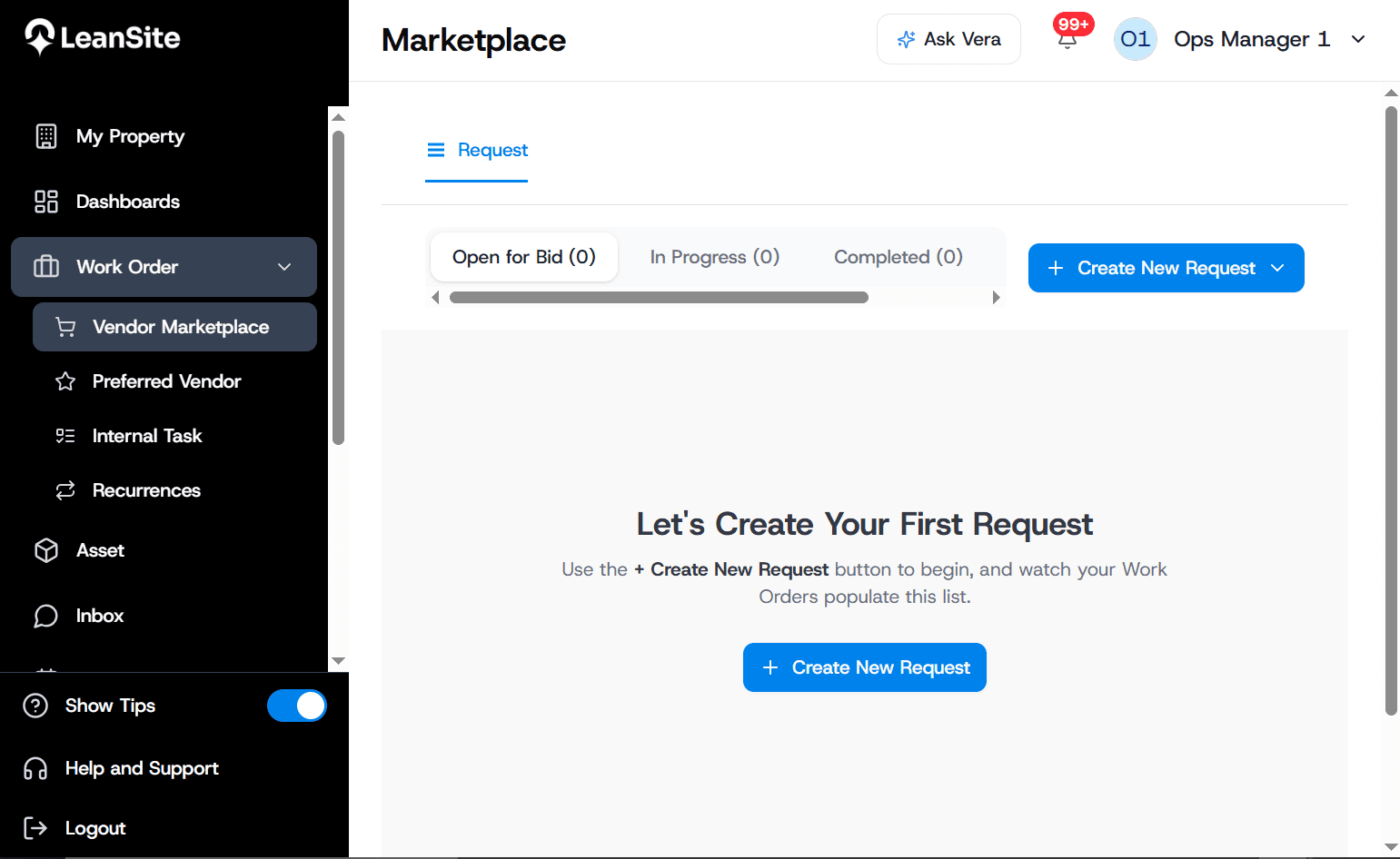
LeanSite vendor marketplace work-order view

Running work orders on LeanSite today

  • Children's National
  • LA Fitness
  • PetSmart
  • GSA
  • P.F. Chang's

A work order comes in. Here's what happens.

This is the same flow that runs every time — no manual triage, no dispatcher deciding who handles what.

Step 1 of 5

Reported

From field app, tenant, or alert.

Full history on every asset, not scattered across five different tools.

Asset history — Rooftop Unit #3, Store #204

  • Mar 2026 — Quarterly PM, filter replaced
  • Jun 2026 — Reactive repair, compressor issue
  • Today — Work Order #4471, in progress

Faster response, less time spent triaging.

x%

Reduction in average time-to-assignment

x%

Fewer work orders left unassigned overnight

0%

Reduction in manual dispatcher hours per week

Built to route itself, not just log the request.

What's actually inside

Work Order

WO-2025-0412

Property

Building A

Location

Floor 3, Unit 301

Issue

HVAC not cooling

Field App

Tenant submits work order

Automated Categorization & Routing

Every request is read, categorized by type and priority, and matched to a vendor or internal owner automatically — within seconds of coming in.


Work Order

WO-2025-0412

Property

Building A

Location

Floor 3, Unit 301

Issue

HVAC not cooling

Field App

Tenant submits work order

Mobile Field Logging

Technicians log photos, notes, and voice-transcribed updates from the field app, no separate desktop step required to close a job.

Work Order

WO-2025-0412

Property

Building A

Location

Floor 3, Unit 301

Issue

HVAC not cooling

Field App

Tenant submits work order

Full Asset History

Every work order attaches to the asset it touched, so the next technician sees exactly what's happened before, not a blank slate.

Real situations, not just features.

How teams actually use it

Nothing sits unassigned overnight

Work orders route to a vendor pool automatically, even outside business hours, no queue waiting for someone to open it in the morning.

A technician logs a repair without stopping to type

Voice notes transcribe and attach directly to the work order, a complete note without a desk.

Catching a recurring issue on the same asset

Full history surfaces automatically, three calls on the same rooftop unit this year gets flagged, not repeated blind.

Proof of completion, without a phone call

Photos and notes attach to the closed work order automatically, no "did they actually fix it?" call to confirm.

Standardizing intake across every location

Every site submits work orders the same way, into the same system, not five different inboxes and a shared spreadsheet.

Seeing every open work order portfolio-wide

One view across every location, instead of checking in site by site to know what's outstanding.

We were spending thousands each month juggling multiple vendors. With Leansite's centralized dashboard, we now track, manage, and approve work orders in one place. The cost savings and efficiency gains have been incredible.
MGMaria GonzalezRegional Manager

See it handle your next work order.

Bring a real scenario. We'll show you exactly how it routes, matches, and closes.