


One property takes maintenance requests by email. Another still uses a phone call to the front desk. At the end of the month, someone assembles a portfolio-wide report by hand, cross-referencing two different systems and a handwritten log, and hopes the numbers roughly line up.
If that sounds familiar, facilities directors managing multi-location operations tend to inherit work order systems that grew organically rather than by design. Work order management software can only help once the underlying process is actually structured.
Quick answer: A real work order system rests on five pillars: standardized intake, clear prioritization rules, automated routing, consistent tracking and escalation, and reporting that actually supports decisions. They work in sequence, intake feeds prioritization, prioritization feeds routing, routing feeds tracking, and tracking feeds reporting, so skipping or half-implementing any one of them weakens everything built on top of it. We walk through the process side of pillar one specifically in How to Standardize Facility Service Request Tracking.
1. Standardized Intake
Every work order system starts with how a request enters it, and this is where most multi-site inconsistency originates. If different properties use different intake methods, a mobile form here, a paper log there, nothing downstream can be reliable, since service request tracking depends entirely on requests arriving in a comparable format.
A strong intake process is simple enough that it doesn't require training: a shared portal, or a mobile form that works the same way regardless of who's submitting it. It also captures a consistent minimum set of information every time, location, category, description, urgency, so the ticket is usable the moment it's created rather than requiring follow-up just to understand what was reported. Look for a batch tool that can push the same intake template to every selected property in a single action, as one way to get an entire portfolio onto the same standard at once rather than rolling it out site by site.
2. Clear Prioritization Rules
Left to informal judgment, prioritization tends to default to whoever asks loudest or most recently, which does not reliably match actual urgency. A defined hierarchy, safety issues first, then anything affecting operations or revenue, then general repairs, gives technicians a consistent, repeatable answer for what to address first, regardless of who submitted the request or how it was phrased. Tagging each asset with a criticality level, critical, important, or standard, gives that hierarchy something concrete to run on rather than leaving urgency to whoever describes the problem most persuasively.
This matters most for facilities management teams handling high ticket volume across many sites, where a purely first-come approach almost guarantees that some urgent issues wait behind minor ones simply because of submission order. The time cost of that mismatch adds up. Facilities teams report spending roughly 60% of their working hours on coordination rather than hands-on repair work, according to data compiled by MPulse Software, and a lot of that time goes toward figuring out what should actually be handled first once a queue is already backed up.
3. Automated Routing
Once intake and categories are consistent, tickets can move to the right person automatically instead of through a manual relay. Routing rules based on location and issue type remove the step where a request sits waiting for someone to notice and pass it along, often the single biggest source of delay in a facilities team's response time.
Routing only works as well as the categorization behind it. If one site tags an issue "HVAC" and another tags the same problem "climate control," routing logic built on those categories will misfire, sending tickets to the wrong queue or missing automation entirely. Enforced Type and Class fields on every asset record keep that categorization consistent enough for routing rules to actually hold, and preferred vendor routing that cascades automatically when the top choice doesn't respond extends the same principle to outside contractors.
4. Consistent Tracking and Escalation
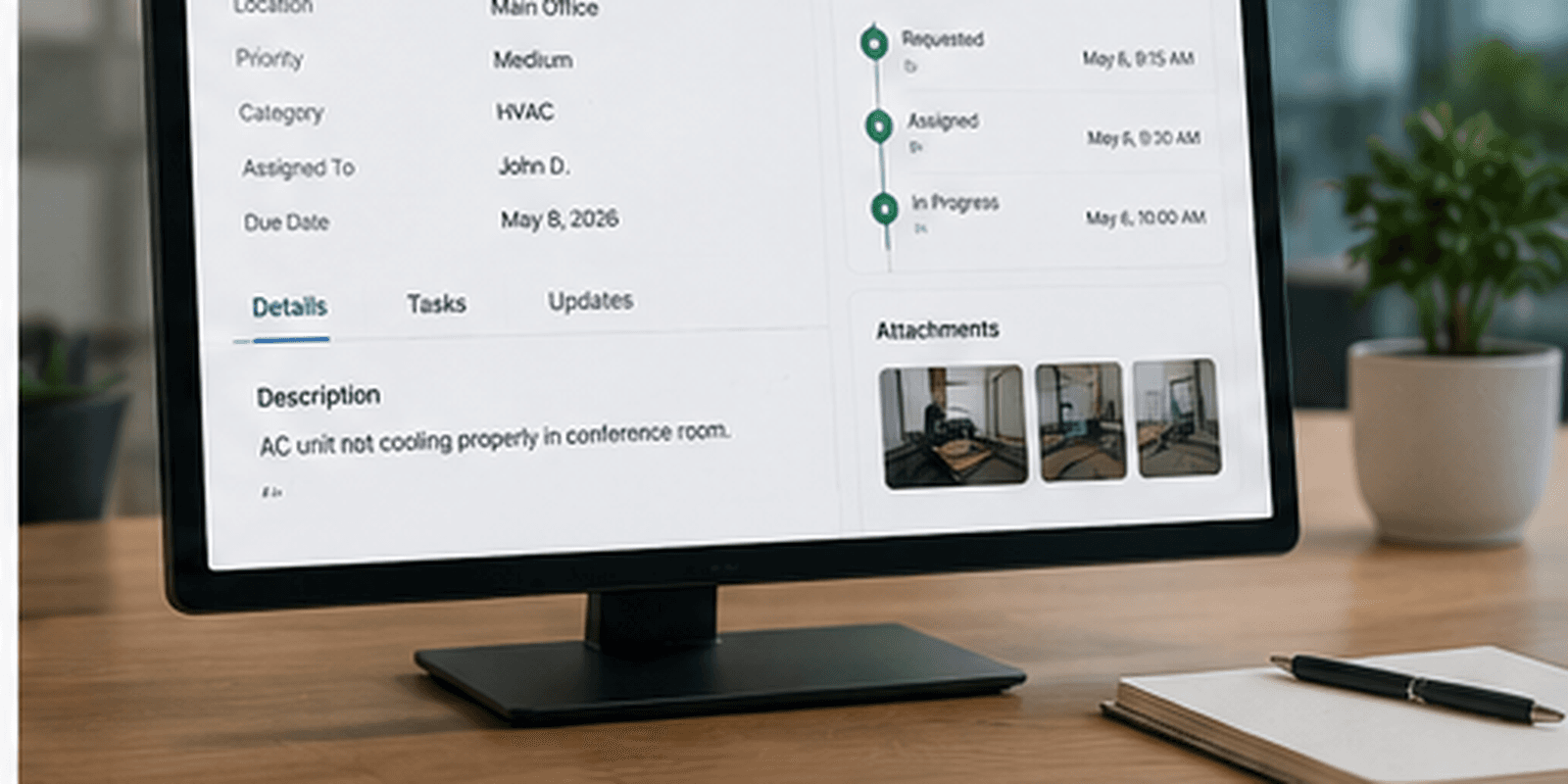
A ticket that's technically open but hasn't moved in days is functionally the same as a lost ticket if nobody notices. Tracking needs a small, fixed set of status stages, submitted, assigned, in progress, resolved, used the same way at every site, plus an escalation threshold that automatically flags or reassigns tickets that stall past a set time. Threshold trigger alerts scoped by priority and location are what turn that threshold into something that fires on its own rather than depending on someone checking a dashboard regularly. The cost of missing that window isn't abstract. MaintainX's 2024 State of Industrial Maintenance survey of more than 1,165 maintenance professionals found unplanned downtime costs an average of about $25,000 per hour, and a stalled ticket on a critical system is exactly the kind of gap escalation rules exist to catch.
Maintenance requests also need tracking that extends to vendor work. Outsourced repairs should stay tied to the original ticket through dispatch, completion, and invoicing, rather than moving into a separate email thread that disconnects from the record once a vendor gets involved. Invoicing generated against an agreed quote or Not to Exceed amount, confirmed on the same record as the work order itself, is what keeps that connection intact all the way through payment.
5. Reporting That Actually Supports Decisions
Reporting should answer real questions, not just summarize activity. A facilities director should be able to see ticket volume and aging by property, cost trends by asset, and vendor performance over time, the kind of data that supports capital planning and staffing decisions, not just a count of how many tickets closed last month. That kind of visibility has a direct financial payoff. The U.S. Department of Energy's Federal Energy Management Program estimates that a functional preventive maintenance program saves roughly 12% to 18%, on average, compared to a reactive-only approach, a gap that only becomes visible once reporting can actually see cost and vendor trends across the whole portfolio.
A useful version of this reporting rolls completion rate, budget adherence, vendor reliability, and team efficiency into a single score, alongside per-asset spend and vendor history. Deeper portfolio-wide analytics beyond that are still an area most platforms in this category, including newer entrants, are actively building out.
This pillar depends entirely on the first four being done consistently. Reporting built on inconsistent intake, undefined prioritization, manual routing, and irregular tracking will always require manual cleanup before it's trustworthy, no matter how good the reporting tool itself is.
Building the Guide Into Practice
These five pillars work in sequence, intake feeds prioritization, prioritization feeds routing, routing feeds tracking, and tracking feeds reporting. Skipping or half-implementing any one of them weakens everything built on top of it.
UpKeep is one of the platforms facilities directors reference for streamlining this work, and it's a reasonable option for teams building out these pillars, particularly at a smaller or single-site scale. Larger, multi-location operations tend to feel the strain more in pillars four and five, where consistent tracking and portfolio-wide reporting become harder to maintain manually as ticket volume and site count grow.
We cover how to automate the pillars once they're defined in How to Automate Work Order Management in 2026.
Where LeanSite AI Fits
LeanSite AI, the platform this article's publisher builds, is designed around all five pillars as one connected system rather than five separate settings, which is worth factoring in for teams feeling the strain described above. According to its own published feature set, that includes Bulk Work Orders for standardizing intake across a portfolio in one action, and a Portfolio Health Score combining completion rate, budget adherence, vendor reliability, and team efficiency for the reporting pillar. As with any vendor's description of its own product, this is worth confirming directly against a trial or demo rather than taken at face value.
See These Five Pillars in One System
The clearest way to judge whether a platform actually connects all five pillars, rather than handling a few well and leaving the rest manual, is to see it applied directly. Book a LeanSite AI demo to walk through your own intake, prioritization, routing, tracking, and reporting.
FAQ: Work Order Management in 2026
Which pillar should a facilities team fix first if the whole system feels broken? Intake, almost always. It's the foundation every other pillar depends on, and inconsistencies there compound through prioritization, routing, and reporting before anyone notices where the problem actually started. We break this down further in 9 Reasons Maintenance Tickets Get Lost in 2026.
Can these pillars be implemented without new software? Yes, at least as process changes, defining intake methods, categories, prioritization rules, and status stages doesn't require a platform, though software makes it far easier to enforce these rules consistently once ticket volume grows.
How do facilities directors know if their reporting is trustworthy? If producing a portfolio-wide report requires manual reconciliation or spreadsheet work every time, that's a sign the pillars underneath, intake, categorization, tracking, aren't consistent enough yet to support reporting on their own.
A complete work order system isn't defined by any single feature. It's the combination of these five pillars working together, each one only as strong as the one before it.
Written by Pelumi Akinwande, Operations Content Lead at LeanSite, who works directly with multi-site facilities and property operations teams evaluating work order software. Connect on LinkedIn.
